0101 · Prepare
Gather the case information
Collect the relevant patient, clinical and digital information before beginning the upload. Include the intended treatment objective and any details that will help the team understand the case.

Digital workflow & upload
A clear digital route for guided surgery and patient-specific regenerative solutions.
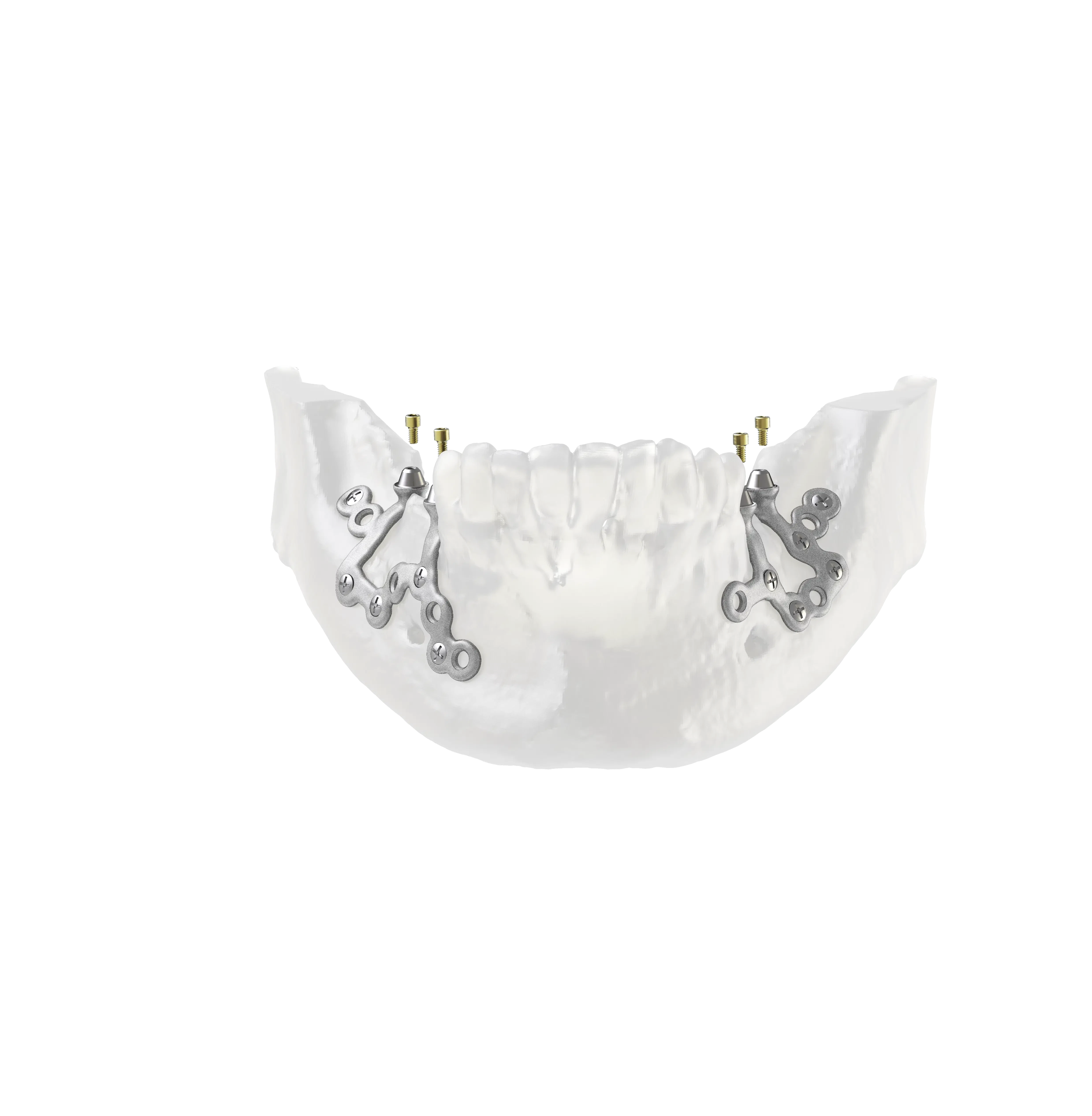
Use the BTK digital upload portal to share the files and information needed for a case discussion. The workflow can support MAESTRO guided surgery with OPERA, IUXTA-3D, 3D MESH and 3D-BONE cases.
The portal is hosted externally by BTK. Use the button below to open the upload page.
Product details
Digital workflow & upload
Collect the relevant patient, clinical and digital information before beginning the upload. Include the intended treatment objective and any details that will help the team understand the case.
Submit the digital case through the secure BTK upload portal. The portal is the route for files relating to guided surgery and digital regeneration.
A digital plan is part of a clinical conversation. Review the proposed solution with the relevant members of your team before proceeding.
Technical information
| Portal | BTK upload portal |
|---|---|
| Project format | Upload a zipped project. |
| CBCT data | Include the patient’s CBCT DICOM files. |
| Intraoral data | Include STL intraoral scans. |
| Supported workflows | MAESTRO Surgical Guides, IUXTA-3D, 3D MESH and 3D-BONE. |
01 · Prepare
Collect the relevant patient, clinical and digital information before beginning the upload. Include the intended treatment objective and any details that will help the team understand the case.
02 · Upload
Submit the zipped digital case through the BTK upload portal. The portal is the route for files relating to guided surgery and digital regeneration.
03 · Review
A digital plan is part of a clinical conversation. Review the proposed solution with the relevant members of your team before proceeding. For MAESTRO cases, final project approval starts the guide production timeline.
Solutions
The BTK digital workflow supports custom 3D medical device and guided surgery projects.
Double Scan Protocol
For edentulous patients or those with metallic restorations, use a radiological template with 10–15 radiopaque markers, approximately 2 mm quartz spheres, to prevent imaging artifacts.
The portal is hosted externally by BTK. Use the button below to open the upload page.
TUSC Dental · UK and Ireland